Quiz Editor
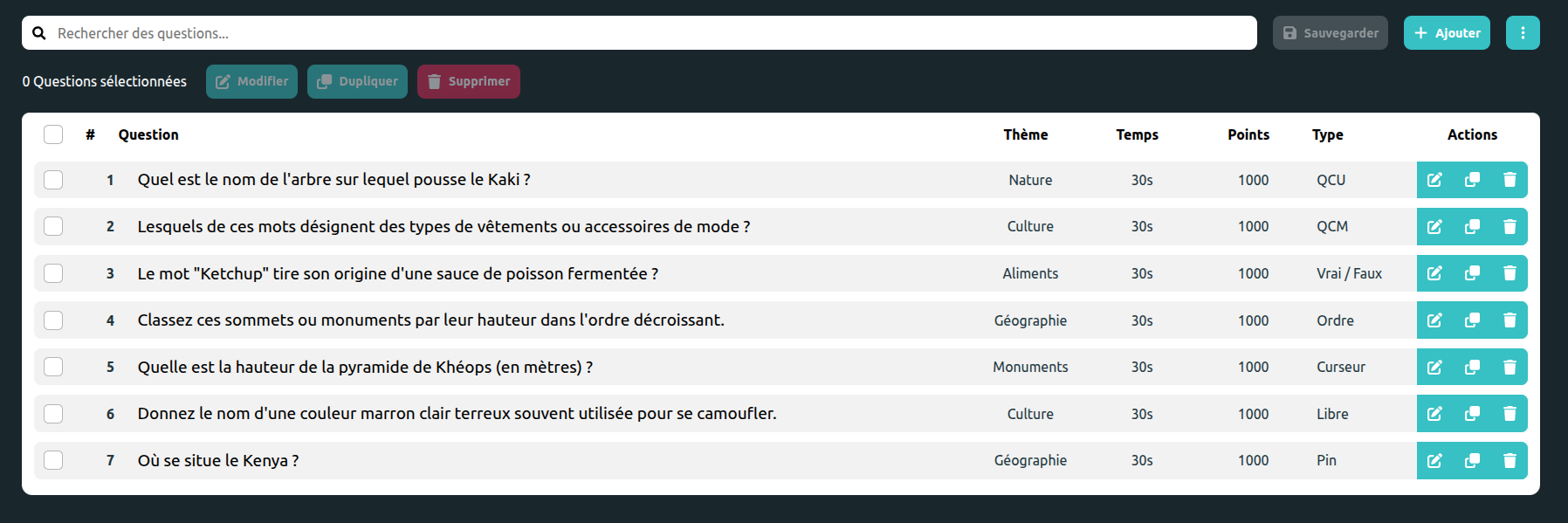
Quiz editor is very powerful to manage multiple questions with different types !
Installation
First install the package.
npm i @k-hubs/kapsule-toolkit-quiz-editor
Setup
You will need to add a questions field to your config type and fake questions to your fakeConfig.
export interface IAppConfig {
  ...
  questions: IQuestion[] <-- Add this
}
withQuizEditor ensure your fakeConfig is typed correctly.
createContexts<IAppConfig>(...withQuizEditor(fakeConfig, import.meta.env.DEV, fakeReport))
Then set your quiz editor context.
// editor/questions/main.tsx
<EditorProvider activityTags={[]}>
  <QuizEditorProvider questionTypes={[TypeQuestion.QCU, TypeQuestion.QCM]}
                      binding={new Set(["id"])}
                      draftQuestion={(id) => ({
                        id,
                        question: "Quel monument célèbre se trouve à Paris et a été construit pour l’Exposition universelle de 1889 ?",
                        answers: [
                          {"id": 1, "label": "La tour Eiffel", "isCorrect": true},
                          {"id": 2, "label": "Le Louvre", "isCorrect": false},
                          {"id": 3, "label": "L’Arc de Triomphe", "isCorrect": false},
                          {"id": 4, "label": "Notre-Dame de Paris", "isCorrect": false}
                        ],
                        type: TypeQuestion.QCU,
                        score: 10,
                      })}>
    <App/>
  </QuizEditorProvider>
</EditorProvider>
Now you can add the component to your app :
<QuizEditor language={i18n.language as "fr"}/>;